Running a business often means spending hours in meetings, client calls, and internal discussions. While these conversations are essential, they also create a challenge. How do you stay fully present while still capturing accurate notes? This is where AI note takers have become increasingly valuable.
AI note takers are tools that listen to meetings and create summaries, action items, and transcripts. When used responsibly and with permission, they can free business owners and advisors from constant note taking and allow them to focus on what really matters, building trust and making informed decisions.
In this article, we explore the best AI note takers available today, why they matter, and how to use them responsibly in a professional setting.
Why AI Note Takers Matter in Business
In professional conversations, attention is everything. When someone is distracted by typing notes, it can affect the quality of the discussion and the relationship being built.
In order to be more present, we do ask all clients for permission before using any AI note taking software. Many calls we keep private, and even though some platforms advertise strong privacy protections, it is still important to be cautious.
The biggest benefit of AI note takers is presence. By letting technology handle documentation, professionals can listen carefully, ask better questions, and respond thoughtfully.
Privacy and Consent Come First
Before choosing any AI note taker, it is critical to consider privacy and consent.
Always inform participants when a meeting is being recorded or transcribed. Some conversations should remain private and should not be recorded at all. Even with paid plans that claim data protection, it is wise to remember that no system is completely risk free.
The goal is not to record everything. The goal is to stay present when appropriate and protect confidentiality when required.
For general guidance on data privacy best practices, the Office of the Privacy Commissioner of Canada provides helpful resources at https://www.priv.gc.ca
Key Features to Look For in an AI Note Taker
Not all AI note takers are created equal. When evaluating tools, focus on features that support professionalism and security.
Accuracy is essential. The tool should correctly capture names, terminology, and action items.
Ease of use matters. A simple interface reduces friction and saves time.
Security and data handling policies should be clearly explained.
Customization options such as summaries and highlights can make notes more useful.
Integration with common meeting platforms such as Zoom or Google Meet is also valuable.
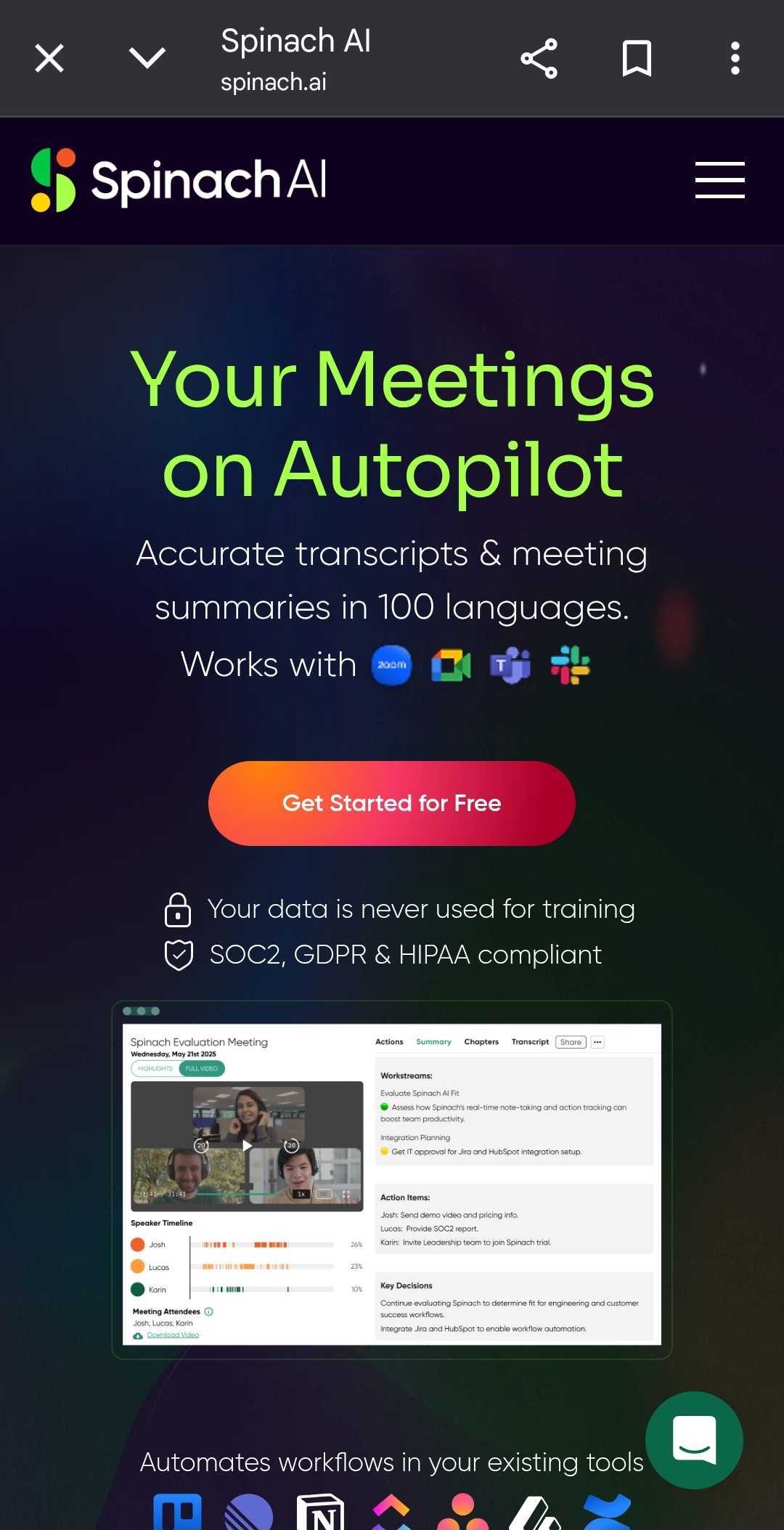
Spinach AI
Spinach AI is one option that focuses on helping teams stay present during meetings. It is designed to automatically capture notes, decisions, and action items without constant user input.
Spinach AI works well for recurring meetings and team discussions where consistency matters. It allows participants to focus on the conversation rather than on documentation.
You can learn more directly from their website at https://www.spinach.ai/home.
Spinach AI emphasizes collaboration and clarity, making it suitable for professional environments where accountability and follow up are important.
Otter AI
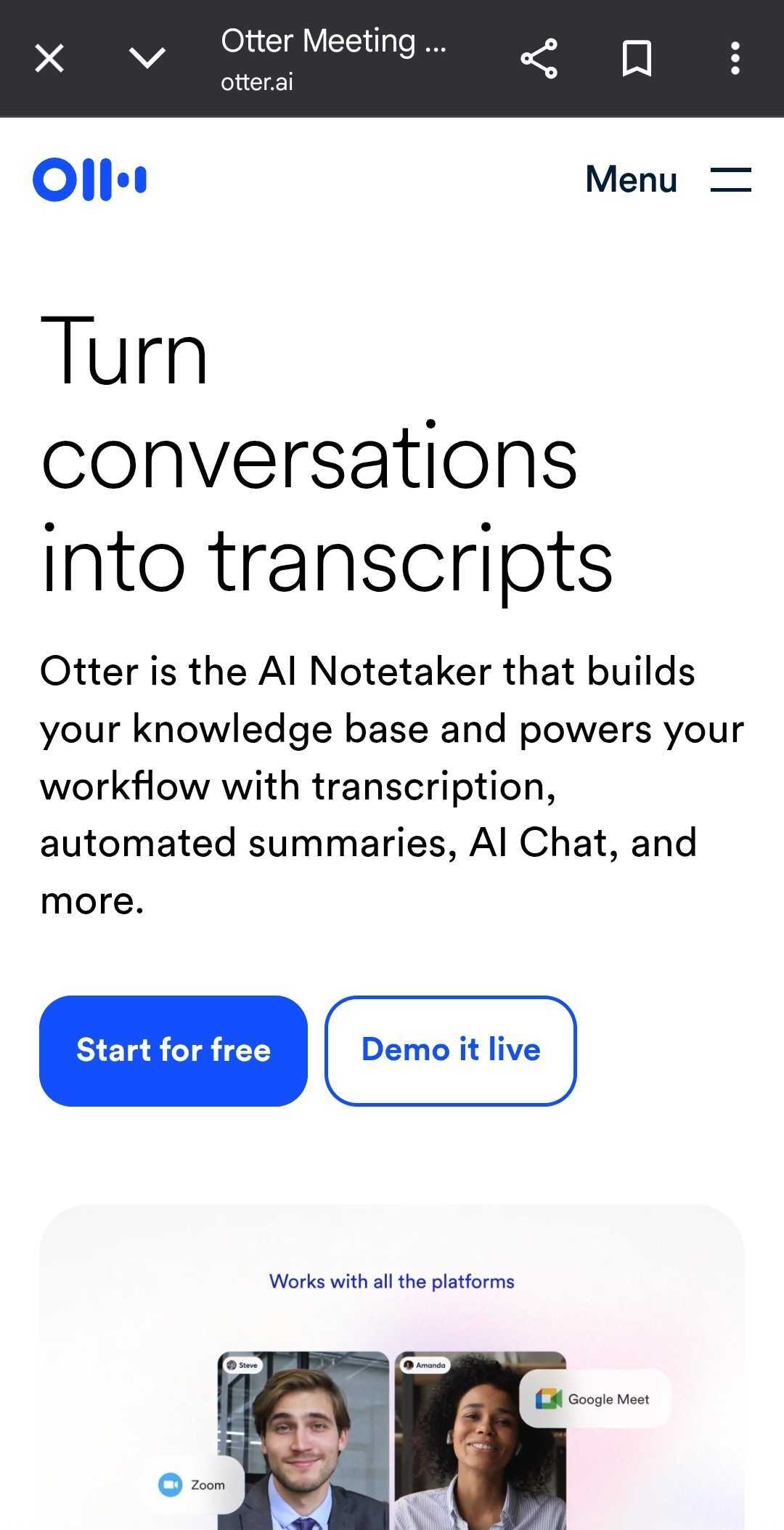
Otter AI is one of the most well known AI note takers. It offers real time transcription and post meeting summaries.
Otter AI is often used in interviews, lectures, and business meetings. It integrates with major video conferencing platforms and allows users to search transcripts easily.
While it is powerful, it is important to review its privacy settings carefully and ensure that all participants are informed before use.
More information is available at https://otter.ai
Fireflies AI
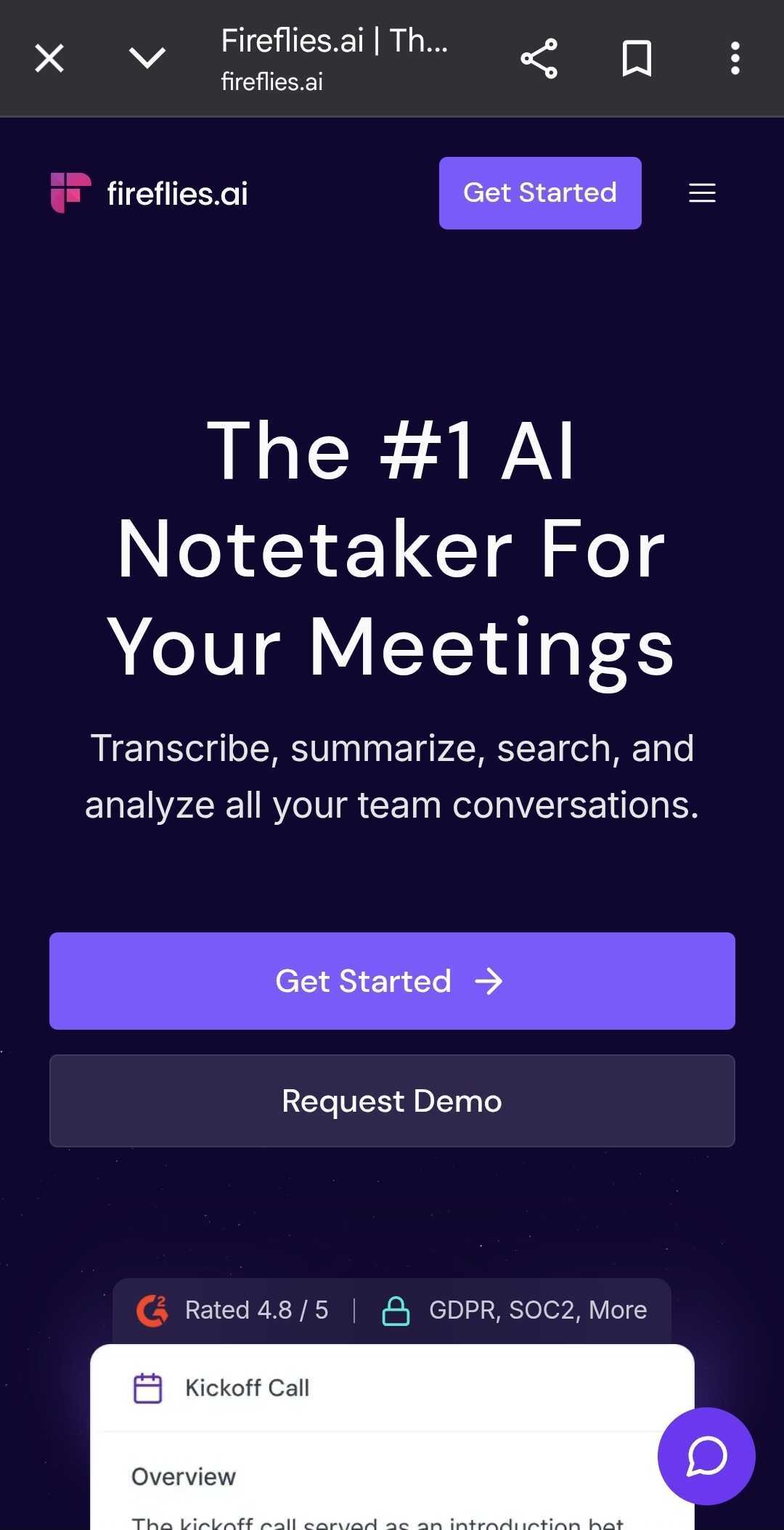
Fireflies AI focuses on recording, transcribing, and organizing conversations across teams.
It automatically joins meetings and creates searchable notes. Fireflies AI is useful for sales teams, consultants, and advisors who need structured records of conversations.
Like all AI note takers, it should be used selectively and with consent. It is best suited for internal meetings or client calls where documentation has been approved.
You can explore Fireflies AI at https://fireflies.ai
Fathom
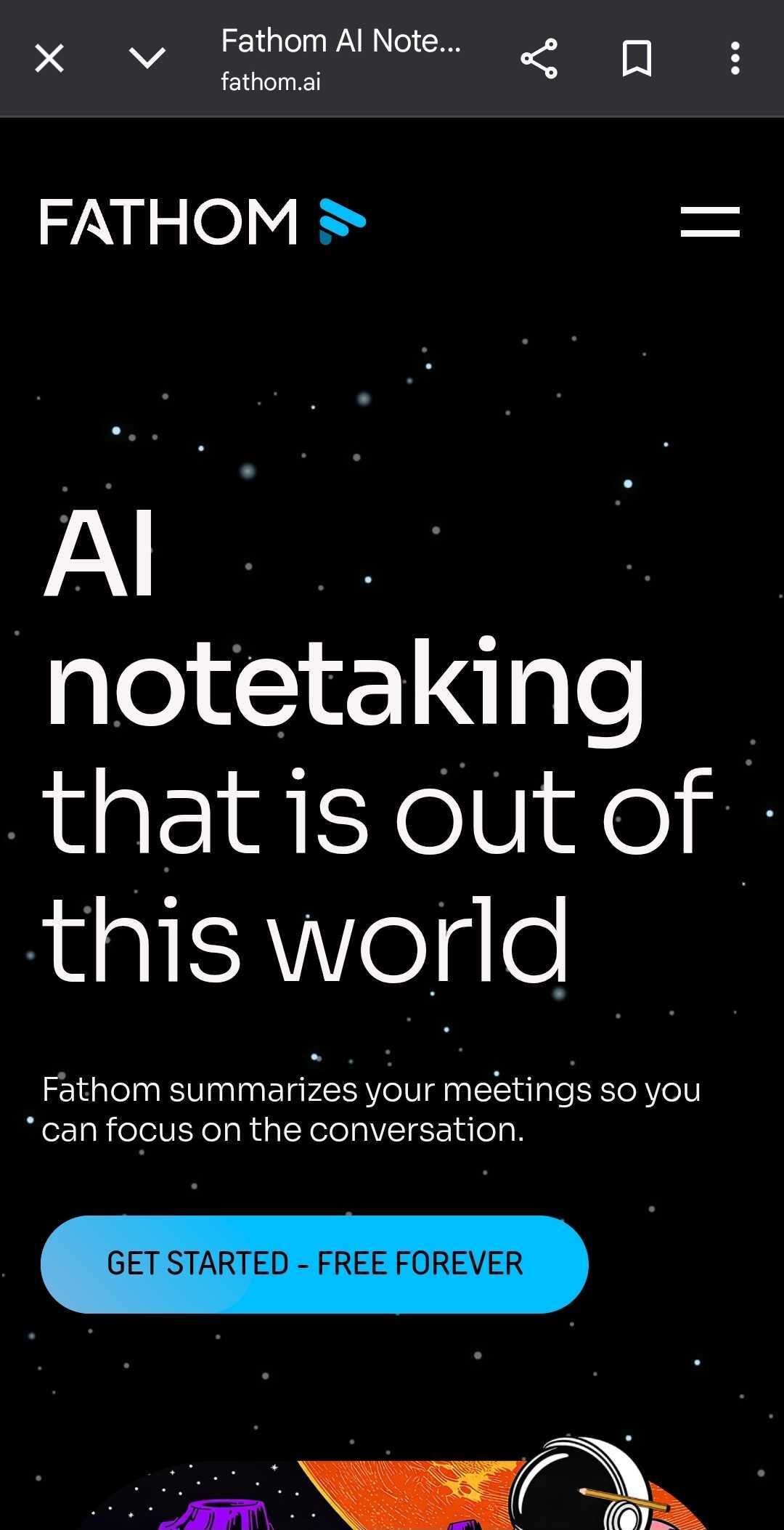
Fathom is another AI note taking tool designed for simplicity. It captures highlights and summaries without overwhelming users with full transcripts.
This makes it appealing for professionals who want concise insights rather than long documents.
Fathom positions itself as privacy conscious, but users should still review policies and explain usage clearly to meeting participants.
More details can be found at https://fathom.video
How AI Note Takers Improve Presence
The real value of AI note takers is not automation. It is human connection.
When professionals are not distracted by writing, they can read body language, tone, and emotional cues. This leads to better understanding and stronger relationships.
Being fully present also reduces misunderstandings and improves decision making. AI notes can be reviewed after the meeting, allowing conversations to flow naturally in real time.
Best Practices for Using AI Note Takers
Use AI note takers only when there is a clear benefit.
Always ask for permission and explain why the tool is being used.
Avoid recording sensitive discussions unless absolutely necessary.
Review notes for accuracy before relying on them.
Delete recordings and transcripts that are no longer needed.
These practices help maintain trust and professionalism.
Final Thoughts
AI note takers are powerful tools when used thoughtfully. They help business owners, advisors, and teams stay present, organized, and focused.
No tool should replace judgment or confidentiality. Instead, AI note takers should support better conversations and better outcomes.
By choosing the right platform, respecting privacy, and prioritizing presence, professionals can use AI responsibly while enhancing the quality of their work.
As technology continues to evolve, the most successful businesses will be those that use it to strengthen human connection rather than replace it.